To add a classroom, you first need to be granted access by your License Manager.
If you’re not sure who your License Manager is, you can email support@brainbuffet.com and ask.
If you see a “Dashboard” option on the top menu, that means you also have License Manager privileges — in that case, you can refer to that section of the FAQ for more details.
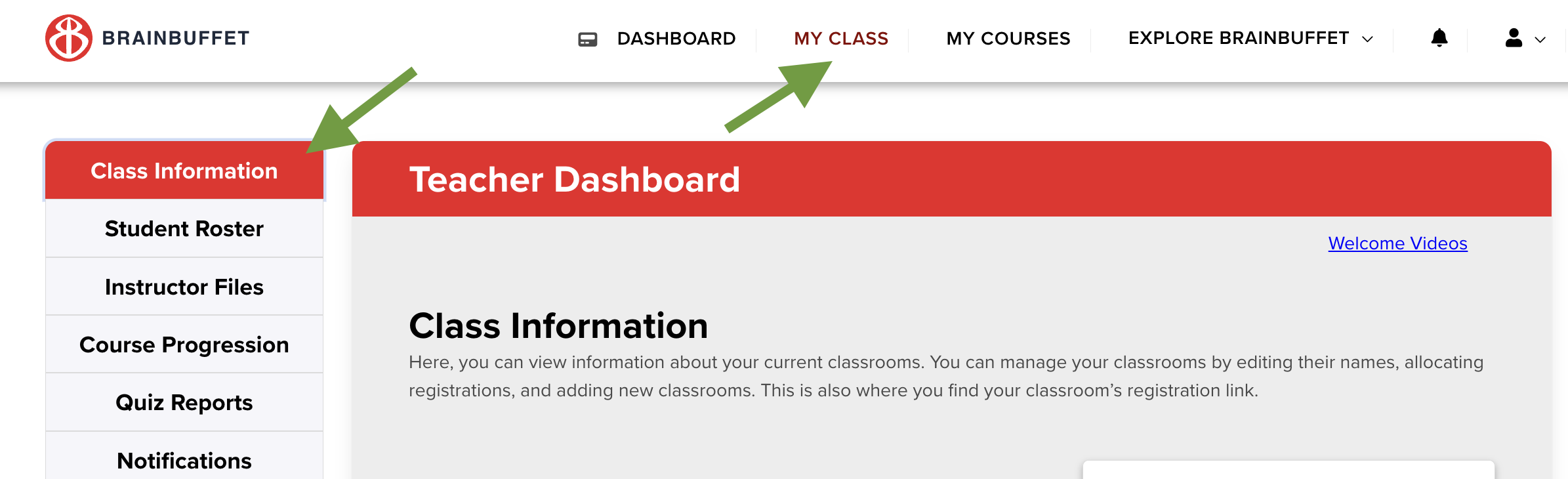
Once you have teacher access, hover over the menu at the top of the page and select “My Class” to open your classroom page.
Go to the "Class Information" on the left-side menu
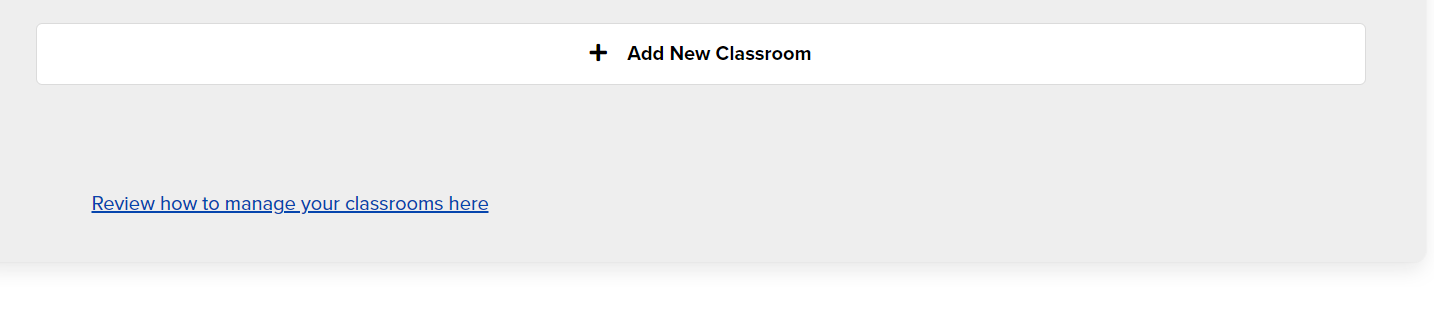
Then you should be able to see the "+Add New Classroom" option at the bottom of the page. Remember to allot the total licenses you'll need, otherwise the students won't be able to join afterward.